 PGari Glowee: Mac brightness with window spotlight
Highlight the active window on a Mac when macOS only puts a name in bold
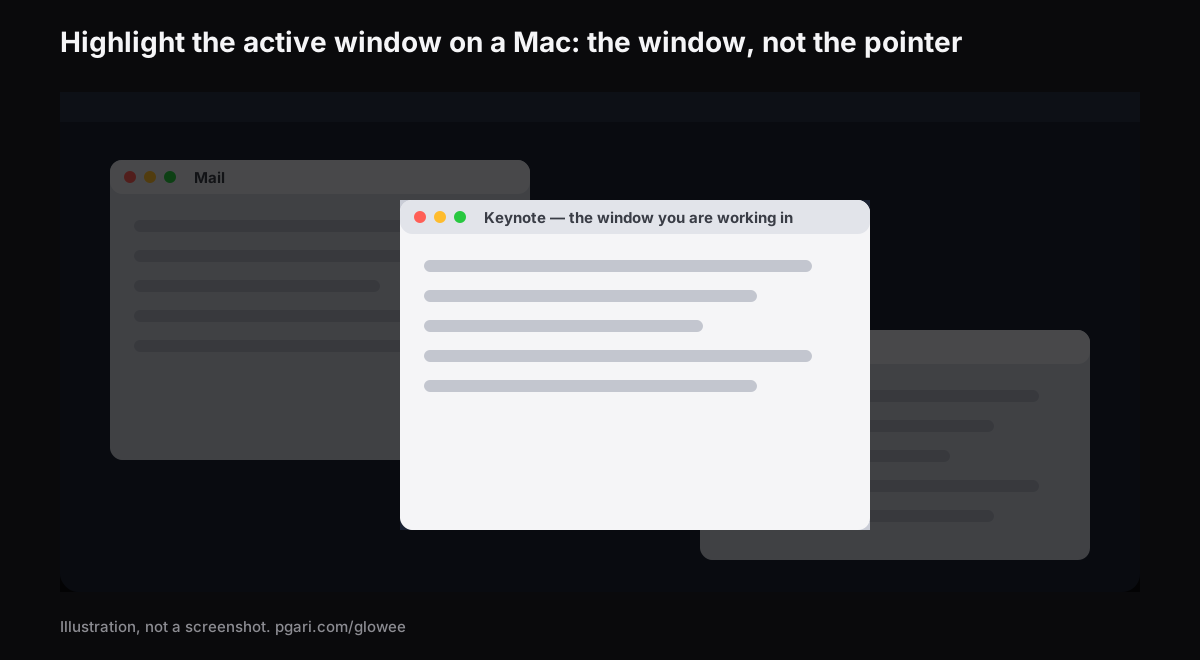
Short answer: Everything macOS does to highlight the active window on a Mac happens in the menu bar. Apple's guide states it exactly: "only one app at a time is active; the name of the app (in bold) and the app menus are shown in the menu bar." That is the whole signal, and it sits at the top of the screen rather than where you are actually looking. Apple's pages on app windows and on the Accessibility display settings describe no option that shades or outlines the windows behind the active one. Apps supply that. PGari Glowee's Spotlight dims everything except the window you are in, on any Mac screen, thrown with ⌃ ⌥ ⌘ S; on a MacBook Pro with an XDR panel it can raise that one window above the rest instead. Glowee marks a window. It does not ring the mouse pointer, show clicks or draw on the screen — the last section names the tools that do.
Two different jobs go by the name highlighter
Half the people searching want a window marked and half want the pointer marked, and almost no tool does both well.
| What needs to stand out | What does it |
|---|---|
| The window that is currently live | HazeOver, Tinkle, PGari Glowee (Spotlight, Boost Area) |
| The mouse pointer | Presentify; Mouseposé; the macOS pointer settings |
| Where you clicked | Presentify; Mouseposé; macOS Screenshot options (Shift-Command-5) |
| Keystrokes | Mouseposé |
| Drawing on top of the screen | Presentify |
What macOS manages on its own
Beyond the bold name in the menu bar, macOS is better at helping you find a window than at marking one. All of the following are from Apple's Irish Mac User Guide and shortcut list.
- Mission Control — Control-Up Arrow. Apple's description is that every open window is "arranged in a single layer so it's easy to spot the one you need," and Control-Down Arrow cuts that down to the front app alone.
- Cycling inside an app — Command-` activates the next open window in the front app.
- Increase contrast — System Settings → Accessibility → Display. It sharpens items "such as borders around buttons or boxes" without altering the contrast of the screen itself.
- Show window title icons — in the same panel; each window gets its icon in its title bar, which Apple notes "can make it easier to distinguish among windows or tabs when you have several open."
- Stage Manager — System Settings → Desktop & Dock → Desktop & Stage Manager, to keep the working app "front and center."
- Option-Command-H — hides every app except the one in front.
Finding, arranging, hiding. None of these pages describes dimming or outlining what sits behind the active window, which is precisely the gap the apps below fill.
How an app can highlight the active window on a Mac
Turn the rest down. Your window is untouched and everything else is shaded. HazeOver puts it plainly: it "automatically highlights the front window by dimming background windows," with an adjustable intensity and animation speed, on macOS 12 Monterey or later. Glowee's Spotlight is the same principle with three fixed settings instead of sliders.
Mark the moment the focus changes. Tinkle is "a macOS app that appends a visual effect at the focused window changes," and it "highlights the focused window" at the moment you switch to it. It needs macOS 13 Ventura or later.
Raise the window itself. This one needs an XDR or EDR panel and it is Glowee's Boost Area. Set to Active Window, only the window you are in receives the extra light; the desktop and every other window are left exactly as they were. Run it together with Spotlight and the marked window climbs while its surroundings drop.
What none of them does here is draw a border. If a coloured outline is the effect you had in mind, Glowee is not the tool.
Setting it up in Glowee
Glowee is a sun in the menu bar, and the whole app is that one menu.
- Open the menu and choose Soft or Strong under Spotlight, by how crowded the screen is. There is no separate step to start the app — choosing a level does it.
- After that, ⌃ ⌥ ⌘ S switches Spotlight from inside any app, returning at the level you used last.
- On an XDR or EDR display, pick Low, Medium or Max under Extra Brightness and the marked window is lifted as well. Spotlight needs one window to light, so if Boost Area was on Whole Screen it moves to Active Window by itself.
- ⌃ ⌥ ⌘ G shuts Glowee down entirely, Spotlight included, and brings both back.
The marked window is the front window of whatever app you are using, and it changes when you click into another one. The shading covers the menu bar and the Dock too, wherever they fall outside that window.
| Setting | Effect on the window | Which displays |
|---|---|---|
| Spotlight — Off, Soft, Strong | Everything but the window you are in is dimmed | Any Mac display, built in or external |
| Boost Area: Active Window | The window you are in is brightened, and the light moves when you move | XDR and EDR panels only |
| Boost Area: Pinned | One chosen window keeps the light while you work elsewhere; windows dragged across it stay unlit | XDR and EDR panels only |
Pinning is also how you stop a stray click moving the light mid-demonstration; Glowee's own page lists it under Spotlight, on any Mac display, XDR or not.
The three brightness levels scale the display's gamma table by 1.20×, 1.38× and 1.50×, inside the headroom available at the time. A MacBook Air and other non-XDR displays cannot be boosted at all, though Spotlight works on them normally. Running a display brighter uses more power and generates more heat, as raising the built-in slider does; the figures are in the MacBook Pro brightness guide.
What a viewer sees
Spotlight is a layer on the screen, so screenshots and screen recordings take it in like any window and there is nothing to mask afterwards. Anyone watching a demo, a lecture or a recorded walkthrough can see which window you mean without being told. The brightness boost does the opposite: it is left out of captures, so a boosted screen records as an ordinary one. That side is covered in Spotlight for screen recordings.
While you are sharing a screen, macOS can also hold notifications: System Settings → Notifications → Show Notifications: when mirroring or sharing the display.
Tools that mark the pointer instead
Glowee does none of this. No ring, no clicks, no keystrokes, no pens. These do:
- macOS pointer settings. System Settings → Accessibility → Display → Pointer, where you can set the pointer size, its outline and fill colours, and Shake mouse pointer to locate, which makes the pointer larger when you move it quickly.
- macOS Screenshot. Shift-Command-5, then Options, to include the pointer or clicks. Apple notes that the available options differ between a screenshot and a screen recording.
- Presentify — "annotate your screen, highlight your cursor, and spotlight or zoom in on key areas," with a choice of "rings, squircles, and rhombuses" around the cursor.
- Mouseposé — "it dims the screen and shines a spotlight on the area around the mouse pointer," and it visualises mouse clicks and makes keystrokes visible.
Each description is quoted from that app's own site.
Common questions
Is there an app that shows which window is in focus?
Several. HazeOver and Glowee's Spotlight shade the background; Tinkle plays an effect when the focused window changes; and on an XDR display Glowee can make the focused window the brightest thing on screen.
An outline border, or background dimming?
Glowee only does the dimming, plus brightening on XDR panels. There is no outline. If the deciding factor is that the effect survives into a shared screen, the dimming does.
How do I highlight the pointer?
Not with this app. Use System Settings → Accessibility → Display → Pointer for size and colour, or Presentify or Mouseposé for a ring or a spotlight that follows the pointer.
How do I see every open window of one app?
Control-Down Arrow. Control-Up Arrow gives you all windows on the desktop instead.
One monitor or several?
Spotlight runs on any Mac display, built in or external. The brightness boost needs EDR-capable displays, and every connected one is lifted together.
Is this the same Spotlight as the one on the Mac?
No, and the collision is unfortunate. Apple's Spotlight is the search — "the fastest way to find anything on your Mac" — opened with Command-Space bar. Glowee's Spotlight is a dimming effect on ⌃ ⌥ ⌘ S.
Can it be tried first?
Free for 7 days with every feature unlocked and no account, then a one-off purchase — one Mac, or three Macs on one key — with a 30-day refund.
See it on your own screen
PGari Glowee is a single menu bar app, under 2 MB, for macOS 13 or later on Apple silicon and Intel. No kernel extensions, no background helpers; quit it and the display goes back to exactly where it was. See also dimming inactive windows on a Mac and keeping one window in focus.
More Glowee guides
- An ADHD focus app that does one job, and that job is the screen
- Dim inactive windows on a Mac without moving a single one of them
- Focus on a window on a Mac without touching Focus mode
- MacBook Pro brightness: the light your panel keeps in reserve
- Screen record on a Mac and leave no doubt about which window matters
Sources
- support.apple.com/en-ie/guide/mac-help/mchlp2469/mac
- support.apple.com/en-ie/guide/mac-help/mh35798/mac
- support.apple.com/en-ie/102650
- support.apple.com/en-ie/guide/mac-help/unac089/mac
- support.apple.com/en-ie/guide/mac-help/mchlp2920/mac
- support.apple.com/en-ie/guide/mac-help/mh26782/mac
- support.apple.com/en-ie/guide/mac-help/mchl534ba392/mac
- support.apple.com/en-ie/guide/mac-help/mh40583/mac
- support.apple.com/en-ie/guide/mac-help/mchlp1008/mac
- hazeover.com
- tinkle.pqrs.org
- presentifyapp.com
- boinx.com/mousepose/