 PGari Glowee: Mac brightness with window spotlight
Focus on a window on a Mac when the rest must stay visible
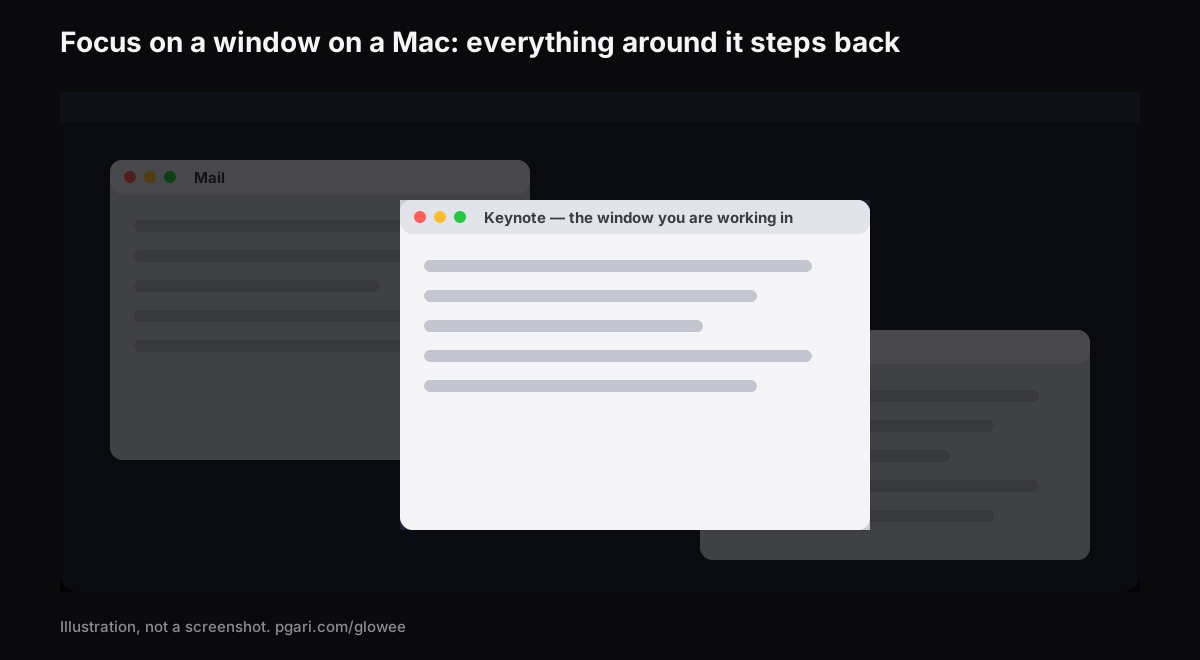
Short answer: Searching for focus window mac turns up two different things wearing the same word. Apple's Focus — the one in Control Center that most people call Focus mode — is a notification system. Apple describes it as a way to "pause and silence all notifications or allow only certain notifications," and its settings list covers allowed people and apps, schedules, Focus filters for Calendar, Mail, Messages and Safari, and whether your status is shared. Nothing in that list touches a window. For the windows, Apple's Mac User Guide describes full screen, Stage Manager and Option-Command-H, and all three work by getting the other windows out of the way. If you would rather keep them in view and simply stop them competing, an app can dim them instead: Glowee's Spotlight leaves every window where it is and turns down all but the one you are in, on any Mac display, at the press of ⌃ ⌥ ⌘ S. Focus handles the interruptions and Spotlight handles the screen, so neither replaces the other.
The rest of this page does the two halves in order: what Apple's Focus actually controls and how to work it, then the ways to put a single window forward and what each one costs you.
Half one: Focus is about notifications
Focus is Apple's name for a set of notification rules, and Do Not Disturb is one of them — "the Do Not Disturb Focus is always available," in Apple's own settings table, sitting in the same list as Work, Gaming, and anything you build yourself.
Switching one on. Open Control Center from the menu bar, click into the Focus section, and pick the Focus you want; Apple's wording is that its icon "is highlighted in the list and is shown in the menu bar." A duration such as "For 1 hour" is offered, and during a scheduled event so is "Until the end of this event" — the option worth remembering before a two-hour meeting. Do Not Disturb has a faster route of its own — hold Option and click the clock at the right-hand end of the menu bar.
Switching it off. Same list, click the Focus again. The icon stops being highlighted.
Building one. Go to System Settings → Focus and click Add Focus. Take one Apple provides, such as Gaming or Work, or click Custom and make your own; you can create up to ten. Inside a Focus:
- Allowed People and Allowed Apps set who and what still gets through.
- Set a Schedule starts it on a clock, at a place, or alongside an app. Apple's description of the app version is precise: the Focus "turns on when you open the app, and turns off when you close it or switch to another app."
- Focus Filters change how Calendar, Mail, Messages or Safari behave while it runs — a particular Tab Group in Safari during Work, for instance.
On Macs with Apple Intelligence there is also a Reduce Interruptions Focus, "which shows you only the most important notifications."
One Apple Account, every device. Signed in everywhere, turning a Focus on or off on the Mac does the same on the iPhone and iPad. The switch is Share across devices in System Settings → Focus, and Apple notes it is on by default. Turn it off if you want the laptop quiet and the phone normal. Focus status in the same place lets apps tell people who message you that your notifications are silenced; they do not see which Focus you are in.
Half two: the windows, which Focus does not touch
Apple's Focus settings table has these entries: Focus list, Add Focus, Share across devices, Focus status, and, per Focus, name and icon, Intelligent Breakthrough & Silencing, Allowed People, Allowed Apps, Set a Schedule, Focus Filters and Delete Focus. Every one of them is about notifications, schedules or the behaviour of four Apple apps. None arranges, hides or dims a window. A Focus stops the banner; it does not quiet the screen.
For the screen, here is the full set, with what each one does to everything else.
| Tool | How you switch it on | What happens to your other windows |
|---|---|---|
| Focus (Do Not Disturb, Work …) | Control Center → Focus | Nothing. Apple's Focus settings cover notifications, schedules and Focus filters |
| Full screen | Green button, top-left of the window, or Control-Command-F where supported | The app fills the entire screen |
| Stage Manager | System Settings → Desktop & Dock → Desktop & Stage Manager, or Control Center | Moved to the left side of the screen; the window you are working with sits in the centre |
| Hiding the other apps | Option-Command-H | Hidden. Only the front app stays in view |
| PGari Glowee, Spotlight | ⌃ ⌥ ⌘ S, or the sun in the menu bar | They stay exactly where they are, dimmed |
The first four rows come from Apple's Mac User Guide and shortcut list, the last from pgari.com/glowee/.
Full screen goes furthest, and Apple's phrase for it is "work without desktop distractions." The cost is that your other windows are no longer beside it, unless you add one more in Split View. That suits a first draft. It does not suit writing from a source, coding against documentation, or filling in a form from an email, where two or three windows have to stay visible and only one of them is the one you are in right now. That gap is what dimming is for.
Focus on a window on a Mac by dimming the rest
Glowee is a menu bar app. Its Spotlight feature "dims everything except the window you are in," and it does not move anything.
- Three settings: Off, Soft and Strong — "Soft or Strong, depending on how busy the screen is."
- One chord: ⌃ ⌥ ⌘ S from any app, and it comes back at the level you last used.
- It follows you. Click a different window and the light moves there. Glowee never picks the active window for you — your click does, and the light goes where you went.
- Any Mac display, XDR or not, built in or external. A MacBook Air is fine.
On a MacBook Pro 14-inch or 16-inch from 2021 or later, or another EDR display, there is a second half: set Boost Area to Active Window and only the window you are in is lifted past the point where the macOS slider stops. Run Spotlight at the same time and the lit window gets brighter while the rest steps back. That half needs an XDR panel and cannot work on a MacBook Air, where Spotlight alone is what you get. The MacBook Pro brightness guide explains the ceiling it is getting past.
There is no link between Glowee and Apple's Focus. You switch Spotlight yourself, from the menu or with the chord, and it never touches a notification — that stays a Focus's job.
The other window dimmer
HazeOver is the name most people type when they search for this, and it "automatically highlights the front window by dimming background windows," with intensity you adjust. It can also be tied to Apple's Focus: its site describes a Focus filter that can switch the dimming, or change its intensity and colour, according to the Focus you have running. Glowee has no equivalent, so if that link is what you are after, HazeOver is the one. Side by side, the two are in how to dim inactive windows on a Mac.
"Focus app" means four different things
Canadian searches for a focus app for Mac land on at least four kinds of product, and knowing which one you are after saves an afternoon.
- Blockers and timers. The app literally named Focus "prevents you from going to distracting websites," blocks distracting apps too, and "comes with built-in timers for productivity and the Pomodoro technique." Glowee is none of that: nothing is blocked and no clock is kept.
- Notification control. Apple's Focus, already installed.
- Window dimmers. Glowee and HazeOver, which take the surroundings down a level and leave the window alone.
- Window arrangers. Full screen and Stage Manager, both built into macOS.
These do not compete. A blocker decides what you can open, a Focus decides what can interrupt you, an arranger decides where windows sit, and a dimmer decides what your eye lands on.
If you are here because of ADHD, there is a separate page about that. Glowee makes no medical claim of any kind, and neither does this one.
Questions people ask
What does Focus mode on a Mac do?
It silences your notifications, or lets through only the ones you name. It can run on a schedule, change how Calendar, Mail, Messages and Safari behave, and stay in step across your Apple devices. Apple's list of Focus settings has no entry that dims or arranges windows.
How do I turn on Focus mode on my MacBook?
Control Center in the menu bar → the Focus section → the Focus you want, such as Do Not Disturb. To build one first, go to System Settings → Focus.
How do I turn off Focus mode on my Mac?
Open Control Center, click into the Focus section, and click the Focus that is highlighted. Do Not Disturb has the shortcut too: Option-click the date and time in the menu bar. If it keeps coming back, check Set a Schedule inside that Focus, and Share across devices — a Focus switched on from your iPhone switches the Mac's on too.
Is Focus mode the same as Do Not Disturb?
Do Not Disturb is one Focus among several; Apple calls it "the Do Not Disturb Focus" and notes it is always available. Work, Personal, Gaming and anything custom sit beside it.
Should Focus mode be on or off?
On when you need quiet, off when you need to be reachable. Because a Focus can run on a time, location or app schedule, you can stop making the decision manually.
Why is my active window on my Mac losing focus?
That is the third meaning of the word: which window is active. Apple's guide notes that "only one app at a time is active," and its Focus pages have nothing to do with it. Glowee does not control it either — it only follows the window you click. This page does not try to troubleshoot it.
Do I need an XDR display to dim the other windows?
No. Spotlight runs on every display, built in or external. It is the extra brightness in the active window that needs an XDR or other EDR panel.
Is there a free way to try this?
Apple's Focus comes with macOS at no charge. Glowee works fully for seven days with no account and no card. After that it is a one-time purchase — one Mac, or three Macs on one key, with a 30-day refund.
Put it on your own screen
Glowee is a single menu bar app: under 2 MB, macOS 13 or later, one universal build for Apple silicon and Intel. Nothing is added to the system — no kernel extensions, no background helpers — and quitting it hands the display straight back to macOS. Everything here about how to focus on a window on a Mac works the same on a MacBook Air as on an XDR panel; only the extra brightness is fussy about the display.
More Glowee guides
- An ADHD focus app on the Mac: where a screen tool actually fits
- Dim inactive windows on a Mac: what works and what macOS documents
- Three ways to highlight the active window on a Mac
- MacBook Pro brightness: what the slider keeps back
- Screen record on a Mac: one window lit, the rest turned down
Sources
- support.apple.com/en-ca/guide/mac-help/mchl613dc43f/mac
- support.apple.com/en-ca/guide/mac-help/mchl999b7c1a/mac
- support.apple.com/en-ca/guide/mac-help/mchlff5da36d/mac
- support.apple.com/en-ca/guide/mac-help/mchl74e8c77b/mac
- support.apple.com/en-ca/guide/mac-help/mchlp2469/mac
- support.apple.com/en-ca/guide/mac-help/mchl9c21d2be/mac
- support.apple.com/en-ca/guide/mac-help/mchl534ba392/mac
- support.apple.com/en-ca/102650
- hazeover.com
- heyfocus.com